A Process Named Hello
by Andrei Roman
Open Activity Monitor on a modern Mac. Sort by CPU. If you ever touched the "Hello" screensaver, there's a non-zero chance you'll find a process called hello (Wallpaper) burning 25–30% of a core.
Right now. While you work. Drawing cursive nobody is watching.
I might be exaggerating - or it could be a different Wallpaper process.
Apple's screensavers had already cost me once
The aerial screensavers — those beautiful drone shots — download multi-gigabyte video files into a system cache. I spent weeks finding where. I deleted them. They came back. I blocked the download URL at the network level. That worked.
Then macOS merged wallpapers and screensavers into one paired system, assigned per desktop Space. Pick "Hello" as a screensaver once, and its wallpaper twin installs silently. Deactivate the screensaver — the wallpaper keeps animating. Forever. That's the CPU core.
Disk first. Then CPU. I decided the third resource they'd take was my patience, and wrote my own.
What I built
Glyph Saver writes proverbs on screen. In handwriting.
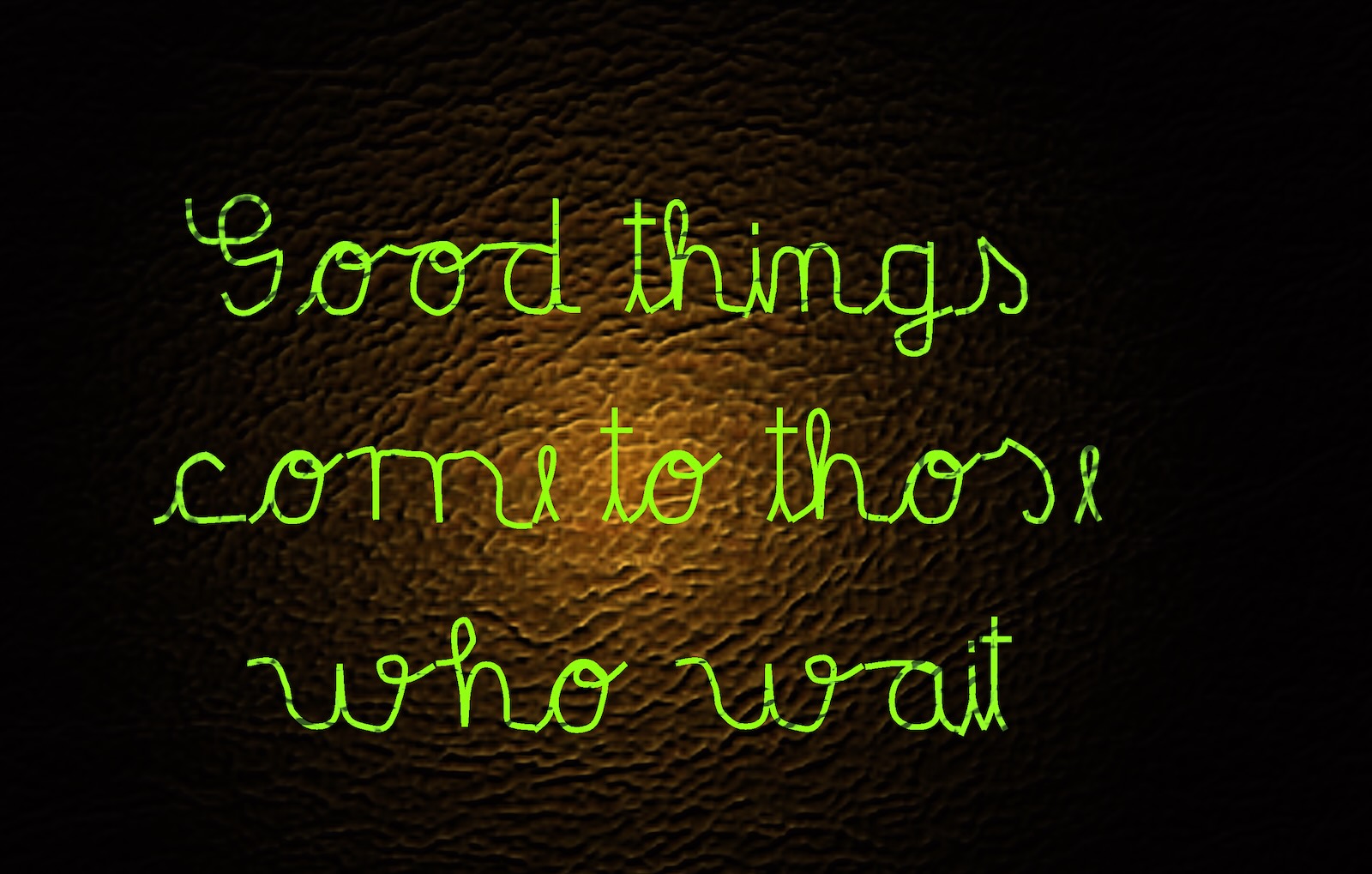
Not a font trick. This year I built a handwriting game — Glypher, on my [ZapEngine](/building-zapengine-one-week-with-ai) — where you trace each letter's strokes with your finger. Every letter exists as hand-authored pen strokes with cursive entry and exit variants. The screensaver picks a proverb and an invisible pen writes it, stroke by stroke, letter by letter, on a bump-mapped leather background lit by a moving lamp.
The camera opens on one huge letter and pulls back as the sentence grows. Each finished letter gets a small gold celebration. When the proverb completes, the ink ignites into a random vibrant color at 4–8× HDR intensity — a MacBook XDR panel has 16× headroom, and it shows — then the words dissolve into fireworks along their own stroke paths.
Then black. Then the next proverb.
A weekend, two agents, and three discoveries
I didn't hand-write the Swift. I wrote the vision and ratified every decision; an AI builder and an adversarial AI reviewer fought over every diff. Same machinery as [repo-graph](/i-made-repo-graph) and AMODX. Four slices, two days, ~4,500 lines, 41 tests.
The interesting part was what the machine taught us:
- macOS kills manual screensaver launches. ScreenSaverEngine dies with a code-signing launch-constraint SIGKILL if you exec it directly. The crash reports say so plainly.
- You cannot automate testing a screensaver while a human uses the Mac. Any input dismisses it. The builder reported "the test dismisses itself" — the truth was my own mouse. We rebuilt the whole acceptance process around evidence that doesn't need the screen: load the bundle in-process, render frames offscreen, let the human glance at System Settings.
- The 1991 API is the respectful one. A third-party .saver bundle runs when you're idle and exits when you're not. No wallpaper twin. No background process. The oldest mechanism on the system is the only one that doesn't bill you rent.
Get it
The code is on GitHub: [github.com/andreirx/glyph-saver](https://github.com/andreirx/glyph-saver)
Clone it, run scripts/build.sh, then scripts/install.sh. Xcode Command Line Tools is enough — no Xcode project, no App Store, no signing ceremony for personal use. Pick "GlyphSaver" in System Settings → Screen Saver.
Swap in your own proverbs by editing one JSON file. Every character it can write is hand-drawn; if you add sayings, stick to letters it knows — the build tests will tell you if you didn't.
My Mac now writes "Good things come to those who wait" in glowing ink when I step away.
And when I'm working, nothing named "hello" is running.
Discussion (0)
No comments yet. Be the first!